CodeCanyon setup · PHP Scripts
How to set up Stocky POS
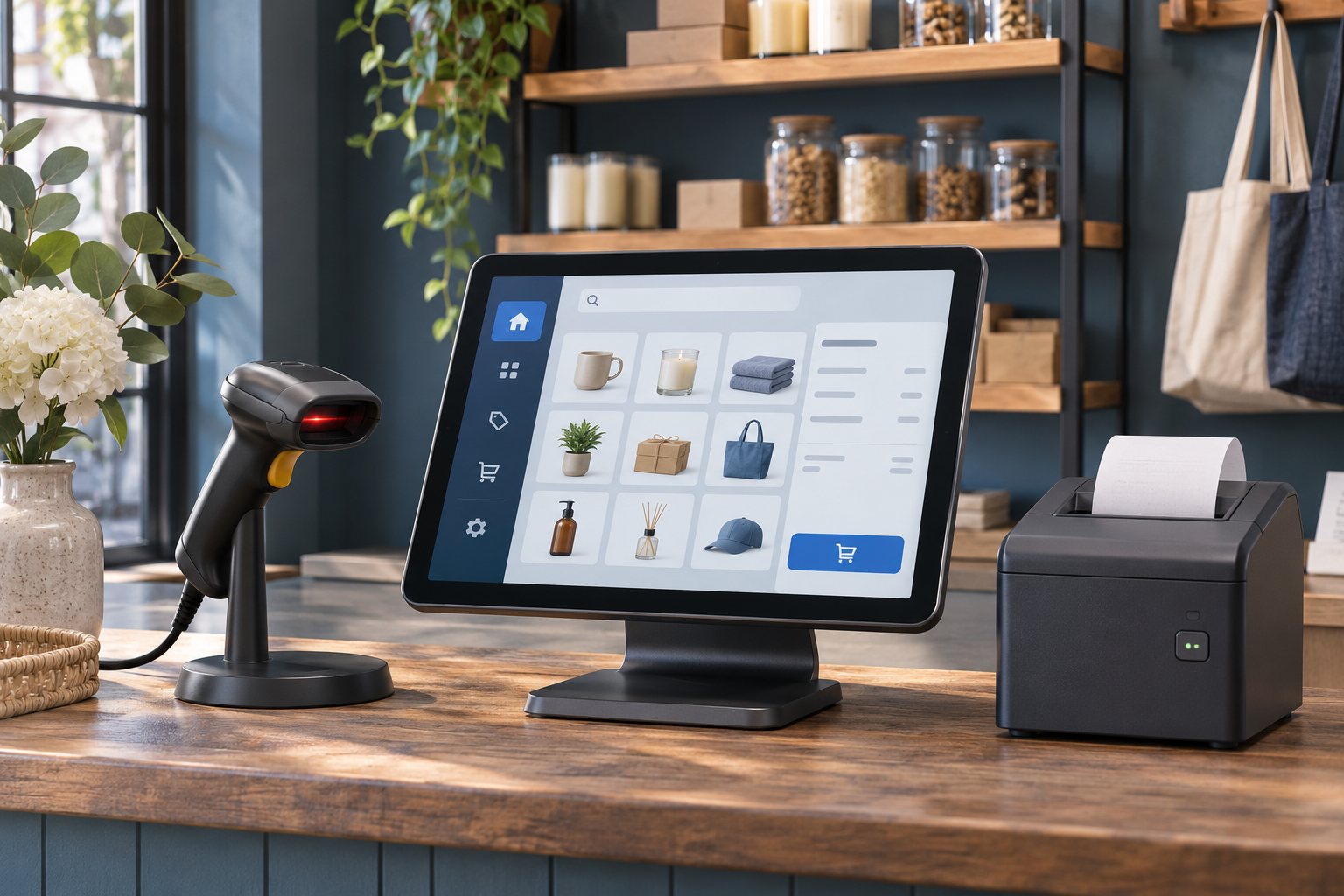
Stocky POS is a self-hosted system for selling at the counter, tracking stock, purchasing and issuing invoices. Start with one warehouse and a small set of products so you can reconcile every movement before rolling out to more locations.
Set up and test the first workflow
Check the host and prepare the database
UI Lib lists PHP 8.2+, MySQL 8 or MariaDB 10.6+ and a web root that points at public. Confirm the required PHP extensions, memory for imports and HTTPS for browser camera scanning and PWA installation.
Install the licensed package on staging
Upload the contents of the purchased ZIP and point the domain at public. Open the domain to run the browser installer. Complete the server and application settings, test the empty database connection and review the summary before installing. Change the initial administrator credentials immediately.
Run a stock and till pilot
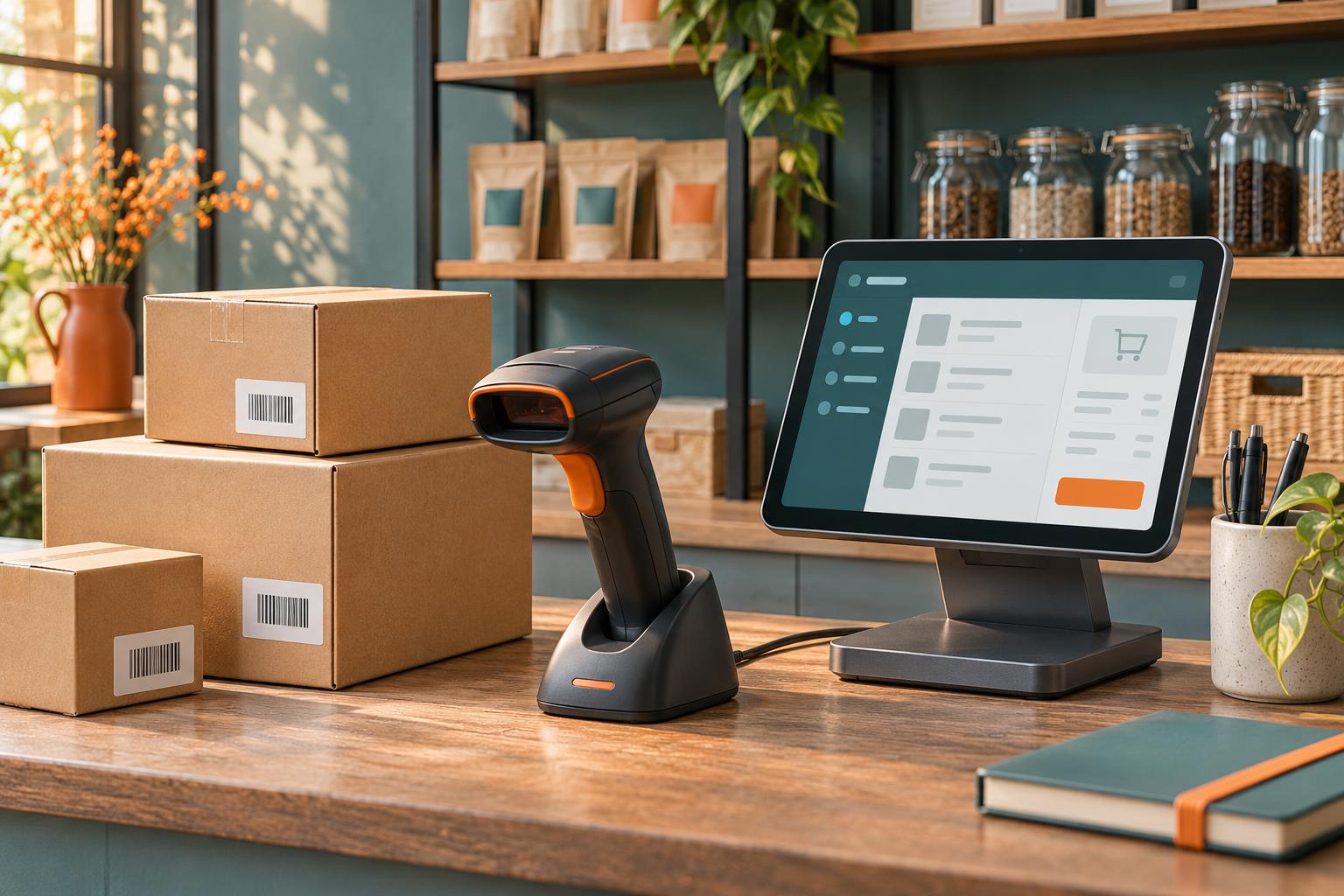
Load a small product sample with SKU, barcode, units and opening quantities. Test receiving stock, completing a counter sale, printing a receipt, processing a return and checking the ending stock count. Verify role permissions before onboarding cashiers.
Brand it for your business
TechCSC can configure the branded domain and receipt layout, prepare catalogue imports, map cashier and manager permissions, and test your scanner and printer. We can scope custom invoice fields, reports or shop integrations after checking the installed version.
Agree opening stock with the business before importing it. Keep a clean export and write down how the team handles returns, stock adjustments and end-of-day checks. Test vendor updates on staging before applying them to a live shop.
Troubleshooting and buying questions
Why does saving a product show a 403 error?
A buyer reported this symptom and UI Lib referred it to support. The public thread gives no confirmed cause. Compare an authorised manager and the affected role on staging. If both fail, capture the route, version and redacted application and hosting logs. Keep access protections enabled.
Where do I get an update if I bought from UI Lib directly?
The author said direct buyers should download releases from their UI Lib account and use its support portal if the file is missing. CodeCanyon buyers should check their marketplace downloads. Back up and test before applying an update.
Can I keep branding and tracking changes after an update?
A buyer said manual theme edits needed to be reapplied. Prefer supported configuration, document required custom edits and check them against the next release before updating production.
Get setup or troubleshooting help
Tell us your product version, intended workflow, hosting setup and what is failing. A redacted error or screenshot helps us scope the work. Keep passwords and purchase codes private.
Send a setup enquiry ↗ · WhatsApp TechCSC ↗ · admin@techcsc.com