CodeCanyon setup · PHP Scripts
How to set up UltimatePOS
UltimatePOS combines sales, inventory and purchasing for retailers with one or more locations. Start with one counter and a few products, then reconcile stock and receipts before importing your full catalogue.
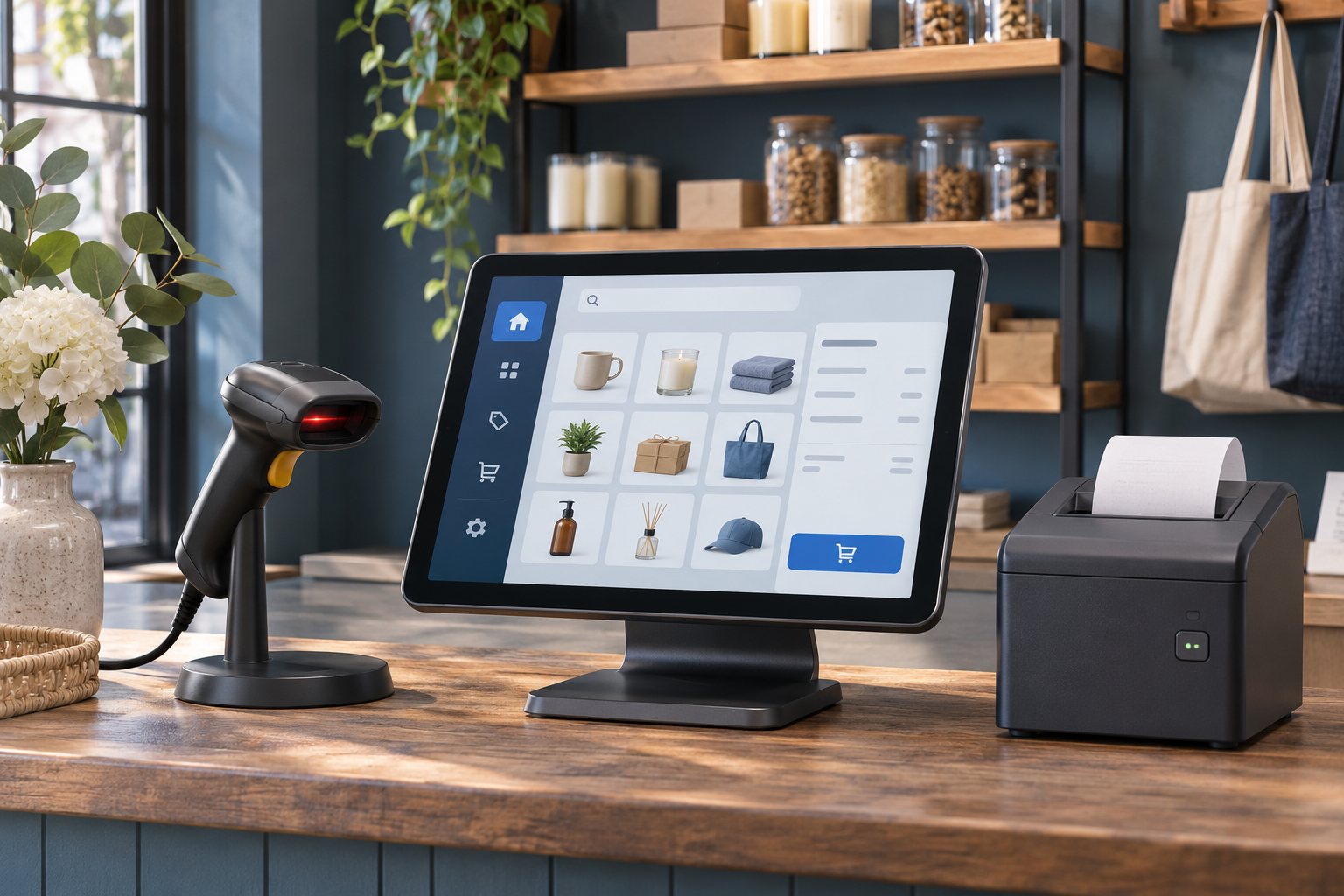
Set up and test the first workflow
Confirm the runtime for your version
The installation guide gives PHP 8.1 as the minimum for version 5 or later. Check the release you downloaded and enable the documented PHP extensions. Prepare a staging installation and a separate MySQL database.
Run the installer
Upload and extract the purchased package, follow the author’s installer URL for your hosting layout and resolve any failed requirements before proceeding. Set up one business, one location and a cashier with limited permissions. Configure your receipt layout with the store details.
Test stock, sales and receipts
Enter opening stock for a few products. Run a purchase, sale and return, then check the quantities and the register report. Print a sample receipt on the actual counter hardware. Test an outage and reconciliation if the shop depends on offline operation.
Brand it for your business
TechCSC can configure your store identity, invoice layout, opening stock import and staff access. We can test barcode and printer compatibility with the devices you already use.
Agree who owns backups, software updates and stock adjustments. Have the shop’s finance owner confirm invoice fields and tax settings before live billing.
Troubleshooting and buying questions
Will the browser POS automatically sync after an internet outage?
The author recommends its mobile app for offline sales and later sync, and describes a local server as the browser option for working without internet. Test the app edition and sync behaviour with your equipment before rollout.
Why does the installer say Not Found?
The author documents alternate installer URLs for hosts with different public-folder and rewrite settings. Verify the document root and URL rewriting before changing permissions or reinstalling.
Get setup or troubleshooting help
Tell us your product version, intended workflow, hosting setup and what is failing. A redacted error or screenshot helps us scope the work. Keep passwords and purchase codes private.
Send a setup enquiry ↗ · WhatsApp TechCSC ↗ · admin@techcsc.com