CodeCanyon setup · Mobile
How to set up StackFood Multi Restaurant
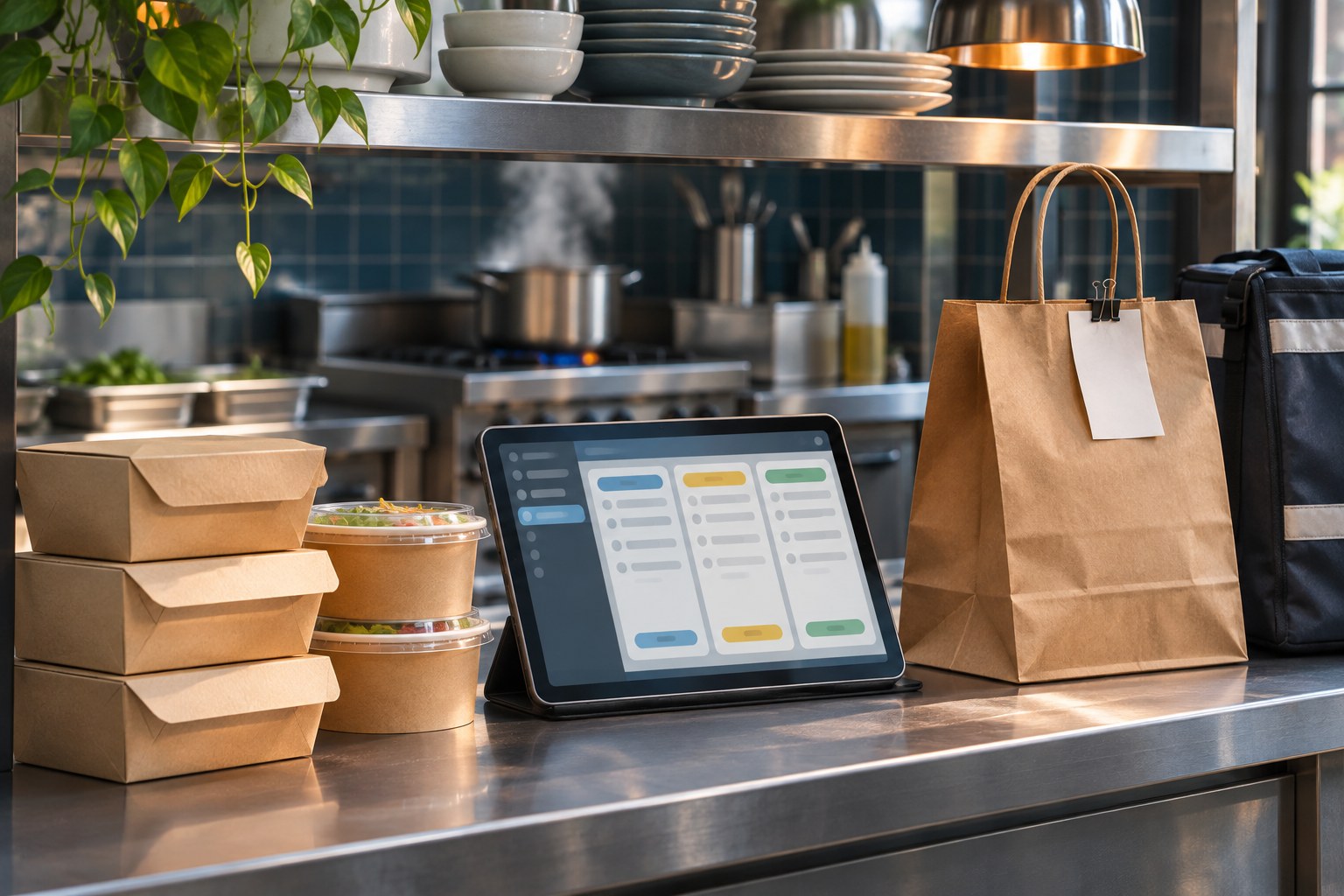
StackFood brings restaurants, customer ordering and delivery into one marketplace. Start with one restaurant and one delivery zone so you can verify that the kitchen receives an order and the courier can complete it.
Set up and test the first workflow
Prepare the admin host and database
Check SixamTech’s environment requirements for your package. Give the admin panel an HTTPS domain or subdomain. If the customer website uses the main domain, put the admin on a subdomain. Prepare a dedicated empty database and upload the fresh admin installer to the correct web root.
Install and configure a test restaurant
Open the admin host and follow the setup wizard through its server checks, purchase verification, database connection, schema import and administrator setup. Use the documented restaurant login route to verify a staff account. Configure one delivery zone, a restaurant menu and the payment and notification services you plan to test.
Rehearse a full order on staging
Use a customer account to place a sample order in that zone. Have restaurant staff accept and prepare it, then check the dispatch and delivery status from the courier and customer views. Check that cancellation and any test payment or refund follow your operating rules before inviting live restaurants.
Brand it for your business
TechCSC can configure the marketplace identity, menu categories, opening hours, delivery areas and the branded interfaces included in your licence. Confirm separate add-on purchases and compatible versions before quoting extra features for individual restaurants.
Give the operator control of the domain, app store and notification accounts. Agree who maintains menus, resolves failed orders and reruns the order test after server or app updates.
Troubleshooting and buying questions
Can each restaurant have its own website?
SixamTech confirmed that separate vendor websites require the Vendor Website Builder add-on. Review its DNS and hosting requirements with the author if individual restaurant addresses are part of the plan.
Why might new order alerts fail when other pushes arrive?
A buyer reported that scenario in the restaurant app. The author directed them to support and did not publish a fix. Reproduce it with a test order, noting which role and app version miss the alert and whether it happens in the foreground or background.
Get setup or troubleshooting help
Tell us your product version, intended workflow, hosting setup and what is failing. A redacted error or screenshot helps us scope the work. Keep passwords and purchase codes private.
Send a setup enquiry ↗ · WhatsApp TechCSC ↗ · admin@techcsc.com