CodeCanyon setup · Mobile
How to set up eStay
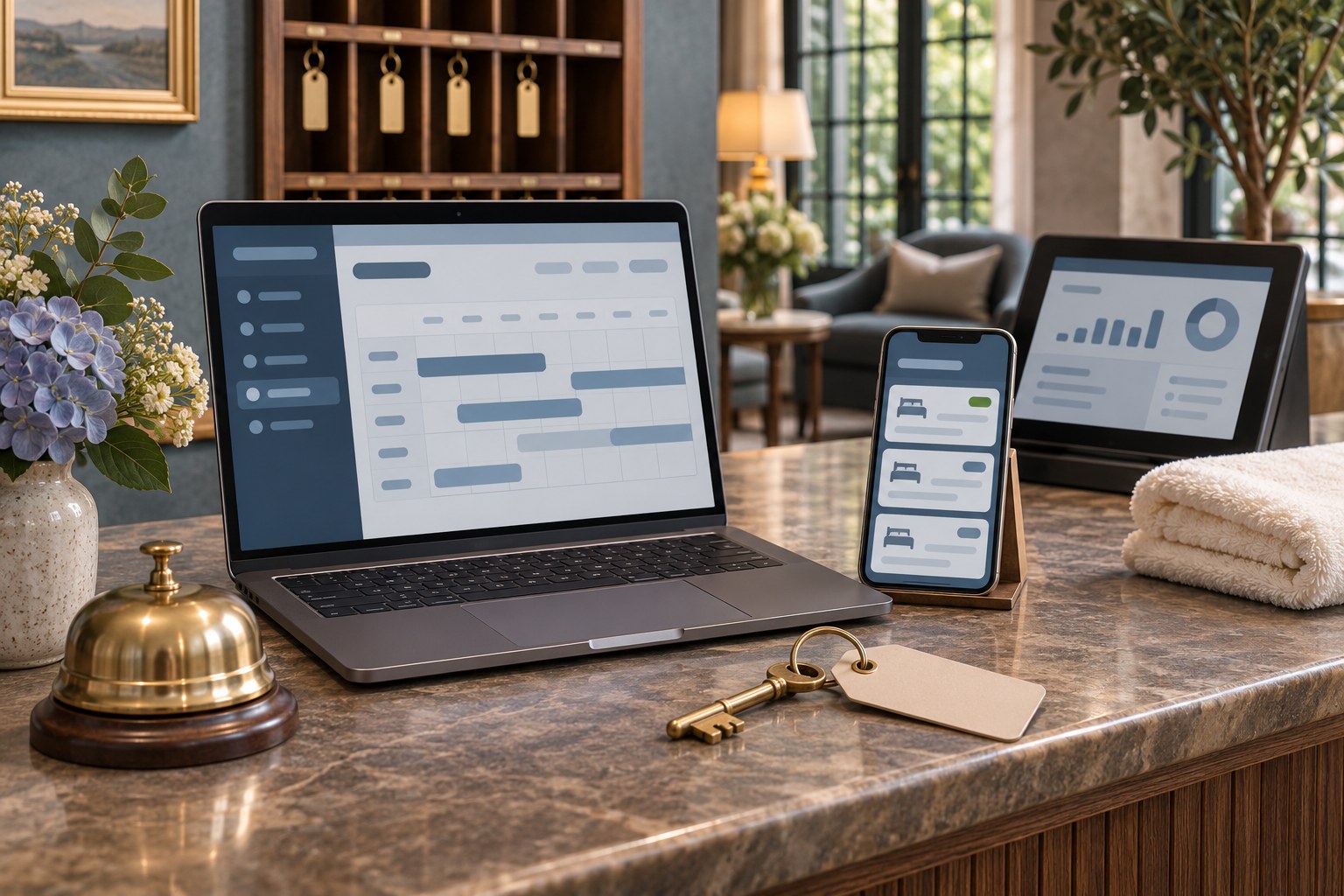
eStay combines a booking website, a Flutter app and an administration panel. Decide whether your own team will manage the rooms or external property owners need their own accounts. That choice determines which operating mode you select during installation.
Set up and test the first workflow
Prepare the hotel backend
Check WRTeam’s PHP, database and extension requirements for your package. Create a dedicated database and user, extract the admin archive into the intended host directory, and copy the supplied environment template to .env. Visit the installer over HTTPS and complete the database, administrator and licence fields.
Choose an operating mode and set up one room
Select Single mode for an operator-managed setup or Multi mode when external partners need the Partner Panel. Configure one property, a room type, availability, rates and cancellation rules. Use WRTeam’s web and Flutter guides to connect the guest interfaces to your staging admin URL.
Test the guest and staff views
Book one night with a fictional guest and check that the date becomes unavailable in a separate session. Verify that the right staff or partner sees the reservation. Cancel it and confirm that availability returns according to your policy. Repeat the check with a connected booking channel if you plan to use one.
Brand it for your business
TechCSC can configure the booking site and app branding, room catalogue, booking policies and approved integrations. Confirm the licensed deployment and included components before planning a marketplace or adding channels.
Keep the domain, payment account and channel manager under the hotel operator’s control. Document who manages room inventory, booking exceptions and access to guest records.
Troubleshooting and buying questions
What does the Beds24 integration sync?
In response to a buyer who could not find the channel manager, WRTeam linked its Beds24 and calendar sync instructions. The Beds24 documentation describes availability sync in both directions. Rates and guest details remain outside that sync. Verify the feature in your release and test one connected room before relying on it.
How do property partners manage their listings?
WRTeam’s team directed buyers to the Partner Panel and said a separate partner mobile app was unavailable at the time of its reply. Test the panel on the devices your partners use and confirm current packaging if a native partner app is essential.
Get setup or troubleshooting help
Tell us your product version, intended workflow, hosting setup and what is failing. A redacted error or screenshot helps us scope the work. Keep passwords and purchase codes private.
Send a setup enquiry ↗ · WhatsApp TechCSC ↗ · admin@techcsc.com