CodeCanyon setup · Mobile
How to set up eSchool SaaS
eSchool SaaS provides a Laravel admin and mobile access for school workflows. Start with a fictional school and sample accounts, then confirm each role sees only its own records.
Set up and test the first workflow
Set up the platform admin
WRTeam recommends installing the admin panel first. Follow the hosting and database requirements for the package you downloaded. Use HTTPS and a dedicated staging database, complete the installer and confirm super administrator access.
Create a test school and roles
Set up one school and academic year with a sample class, teacher, student and parent. Configure the school’s domain if you intend to use one. Follow the mobile setup guide to connect the test app to the backend.
Verify permissions before importing
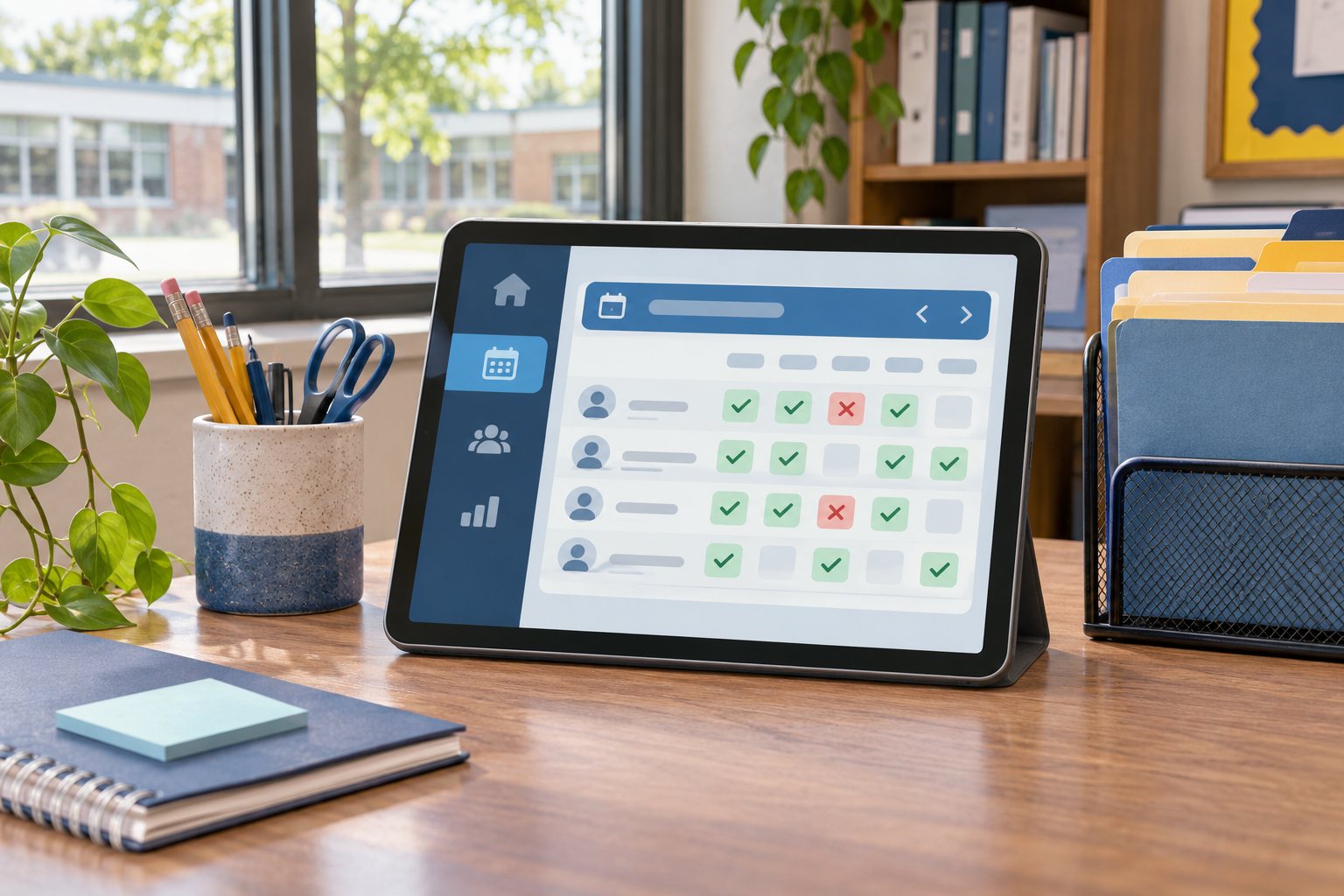
Mark sample attendance as a teacher and verify the result from the correct parent account. Check that an unrelated parent and a user from another test school cannot see the records. Test password reset and one notification before migrating live data.
Brand it for your business
TechCSC can configure platform and school branding, app identifiers, domain settings and a staged data import. Decide which fee, attendance or parent features should be enabled in the first release.
Define who can access student records, who handles backups, and which school roles approve imports. Confirm each add-on’s licence and actual behaviour for the version and deployment you use.
Troubleshooting and buying questions
What does the School Board field mean?
WRTeam explained that it identifies a school’s affiliated education board and helps the super administrator filter schools. Use the board the school reports, then check how it appears in your platform’s filters.
Get setup or troubleshooting help
Tell us your product version, intended workflow, hosting setup and what is failing. A redacted error or screenshot helps us scope the work. Keep passwords and purchase codes private.
Send a setup enquiry ↗ · WhatsApp TechCSC ↗ · admin@techcsc.com